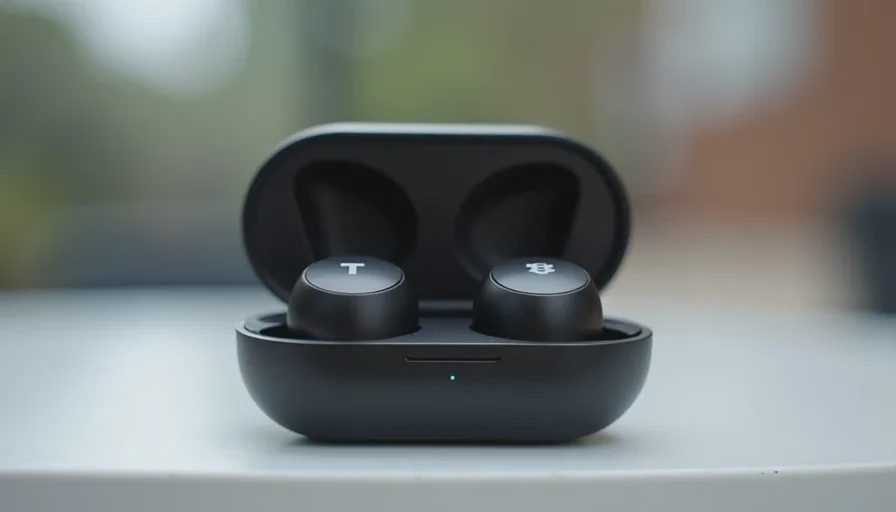
Wireless earbuds appear frequently at thrift stores, estate sales, online marketplaces, and classified listings. The price is often attractive. The risk is real: batteries that no longer hold a charge, drivers that sound distorted, charging cases that fail, or earbuds that no longer pair reliably. A few minutes of careful testing separates useful second-hand finds from items that only look intact.
This checklist is designed for ordinary buyers who want functional earbuds for daily use—calls, podcasts, music, or video—without specialized audio knowledge. It does not invent specific product results or claim personal testing of particular models. It gives you a repeatable sequence you can apply to almost any pair of used wireless earbuds.
Buy for the life you have, not the brochure you were shown. That includes the used pair that may or may not still serve that life.
Why Used Earbuds Need Extra Scrutiny
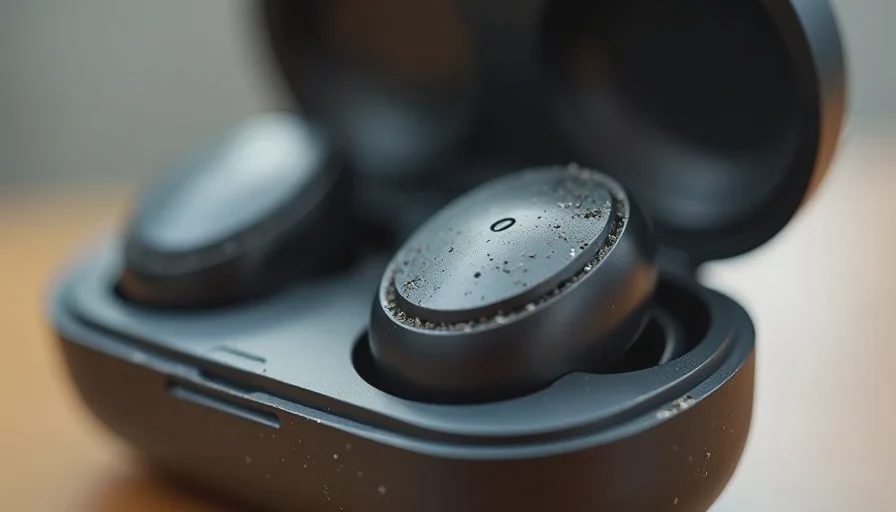
Wireless earbuds are small, heavily used, and dependent on batteries that degrade. They experience sweat, earwax, drops, and repeated charging cycles. Cosmetic condition tells you little about remaining battery health or driver performance. Unlike a larger appliance, many problems only appear once the earbuds are powered, paired, and worn.
A low price is not a bargain if the earbuds last two weeks. Testing before purchase protects both money and time.
Ideal Testing Conditions
Bring your phone or a small Bluetooth source. Ask the seller for permission to pair and play audio. Prefer listings or sales where the charging case and original cable (or a compatible one) are included. If the seller will not allow basic testing, treat the purchase as higher risk and adjust the price you are willing to pay accordingly.
1. Battery Life and Charging Behavior
Battery health is the most common failure point on used wireless earbuds.
What to Check
Place the earbuds in the case and confirm they begin charging (indicator lights or app status if available). Remove them and pair to a device. Play audio at moderate volume for several minutes and watch for unexpected power loss or low-battery warnings that appear too quickly. If the seller claims recent battery health figures, treat them as unverified unless you can see them yourself in a companion app.
Red Flags
Earbuds that will not charge at all. A case that shows no charging activity. Rapid drain during light use. One earbud that consistently dies far sooner than the other. These symptoms usually indicate degraded batteries that are expensive or impossible to replace economically on many models.
Practical Standard
For daily use you want enough remaining capacity to cover a normal commute or workout plus a margin. If the earbuds cannot sustain a short real-world test without dramatic battery warnings, walk away or price the risk accordingly.
2. Sound Quality and Balance
Both earbuds should produce clear, balanced sound without obvious defects.
What to Check
Play a familiar track or podcast that includes voices and music. Listen for distortion, crackling, rattling, or a muffled quality in one or both sides. Switch the audio balance if your source device allows it and confirm both drivers respond. Test at low, medium, and moderately high volumes.
Red Flags
One side significantly quieter or distorted. Persistent crackle that does not clear. Rattling that suggests a loose or damaged driver. Complete silence from one earbud despite successful pairing. These problems rarely improve and usually require replacement of the earbud itself.
Practical Standard
The sound does not need to match a brand-new premium pair. It does need to be clear enough for the content you actually listen to, with both sides working in reasonable balance.
3. Fit and Physical Condition of the Earbuds
Fit affects both comfort and sound. Physical condition affects longevity.
What to Check
Inspect the earbuds for cracks, heavy scratches, damaged meshes, or missing ear tips. Try the available tips (if any) and assess whether the earbuds stay in place during light movement. Look for excessive earwax buildup or corrosion on charging contacts.
Red Flags
Cracked housings. Torn or missing meshes that expose internal parts. Charging contacts that are heavily corroded or bent. Complete absence of usable ear tips when the design requires them. Poor retention even with the best available tips for your ears.
Practical Standard
The earbuds should feel secure enough for the activity you intend (walking, commuting, desk work). Heavy cosmetic wear is secondary to structural integrity and contact condition.
4. Controls and Microphones
Touch, button, or stem controls and the microphones need to work for real use.
What to Check
Test play/pause, volume, and track controls if present. Make a short test call or use a voice-memo function to check microphone clarity. Confirm that any wear-detection or automatic pause features behave reasonably if the model includes them.
Red Flags
Controls that do not respond or respond erratically. Microphones that make your voice unintelligible or produce heavy wind/handling noise in a quiet setting. Sensors that cause constant unintended pausing. These issues reduce daily usefulness even if music playback is fine.
Practical Standard
Core controls should work reliably. Microphone quality should be adequate for phone calls in a normal indoor environment.
5. Pairing Stability and Connection
Bluetooth connection problems are common on heavily used or poorly stored earbuds.
What to Check
Put the earbuds in pairing mode and connect to your phone. Walk a short distance and note whether the signal drops. Toggle Bluetooth off and on and confirm they reconnect. If the model supports multipoint or switching between devices, test that behavior if it matters to you.
Red Flags
Failure to enter pairing mode. Repeated dropouts at close range. Inability to reconnect without resetting. One earbud that pairs while the other does not. These symptoms often indicate hardware or firmware issues that are difficult to resolve without manufacturer support.
Practical Standard
Stable connection within a normal room radius and reliable reconnection are minimum requirements for daily use.
6. Charging Case Function
The case is both storage and a battery bank. It must work.
What to Check
Confirm the case itself takes a charge from a cable. Place the earbuds inside and verify that the case charges them (lights, app indicators, or subsequent battery status). Inspect the case hinge, lid, and charging port for damage. Note whether the case holds the earbuds securely.
Red Flags
A case that will not charge. Earbuds that do not charge when correctly seated. Broken hinges or lids that no longer close. Corroded or loose internal contacts. A missing or non-functional case turns the earbuds into short-life devices.
Practical Standard
The case should charge the earbuds and protect them. A partially degraded case battery may still be usable if it provides a couple of full recharges; a non-functional case is usually a deal-breaker.
7. Overall Wear, Completeness, and Support Outlook
The final check combines remaining details.
What to Check
Confirm that both earbuds, the case, and any critical tips or cables are present. Look for water-resistance claims and any obvious evidence of liquid damage. Note the model and, if possible, check whether firmware updates or basic support are still available. Assess whether the price reflects the tested condition.
Red Flags
Missing critical components. Clear liquid damage. Models so old that battery replacements and software support are unavailable. A price that assumes perfect function when testing showed otherwise.
Practical Standard
You should leave with a complete, working set whose remaining life justifies the price relative to a new or certified-refurbished alternative.

Quick On-Site Sequence
Inspect physical condition and completeness.
Charge briefly if needed and confirm case activity.
Pair to your phone.
Play audio and check balance, clarity, and controls.
Test microphone with a short call or recording.
Check battery behavior during the test.
Verify the case charges the earbuds and closes properly.
If any critical test fails, either negotiate a lower price that reflects repair or replacement reality, or walk away.
When Used Earbuds Make Sense
The pair passes the functional tests above. The price is meaningfully lower than a comparable new or certified-refurbished set. You accept that remaining battery life is finite. And the model still meets your daily needs for fit, controls, and features.
When to Prefer New or Certified Refurbished
You need maximum battery longevity and warranty protection. The used market for the model you want is full of high-risk listings. Or testing is not possible and the seller offers no meaningful guarantee.
Closing Recommendation
Treat used wireless earbuds as a short functional exam rather than a cosmetic one. Battery, sound balance, fit, controls, connection stability, charging case, and overall completeness tell you far more than how shiny the case looks. Run the tests, trust the results, and only pay a price that matches the remaining useful life you actually observed.
The useful second-hand pair is the one that still gets you through the day without drama. Everything else is just plastic that once worked. A few minutes of testing keeps the difference clear.

No notes yet — write the first.